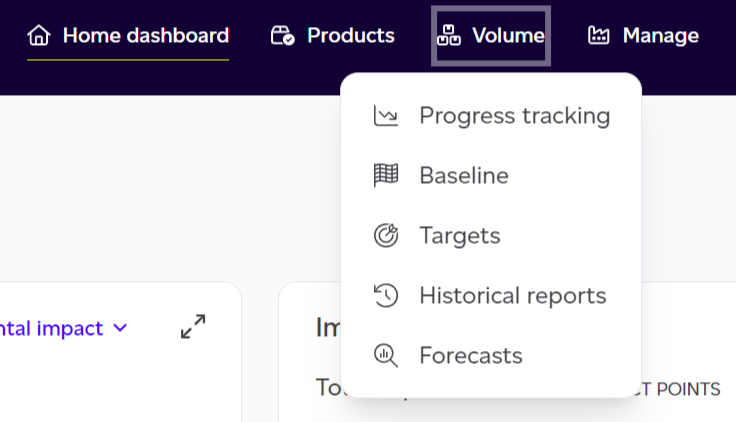
Access the Progress Tracking view by selecting Volume from the top menu, then choose Progress Tracking from the modal options.
Available Actions
If no products exist yet:
- Create your first product.
If at least one product has been created:
- Calculate your baseline.
- Add targets.
- Upload historical data.
Once baseline and/or targets are established:
- View a summary of your progress showing the comparison from baseline to the latest year, including percentage reduction or increase in impact and whether progress meets targets.
- View your progress tracking chart (displays total environmental impact by default, but can be filtered by impact category, impact points, or physical impacts).
- View a summary of your set targets.
- View a summary of the latest historical report.
Key Functionality
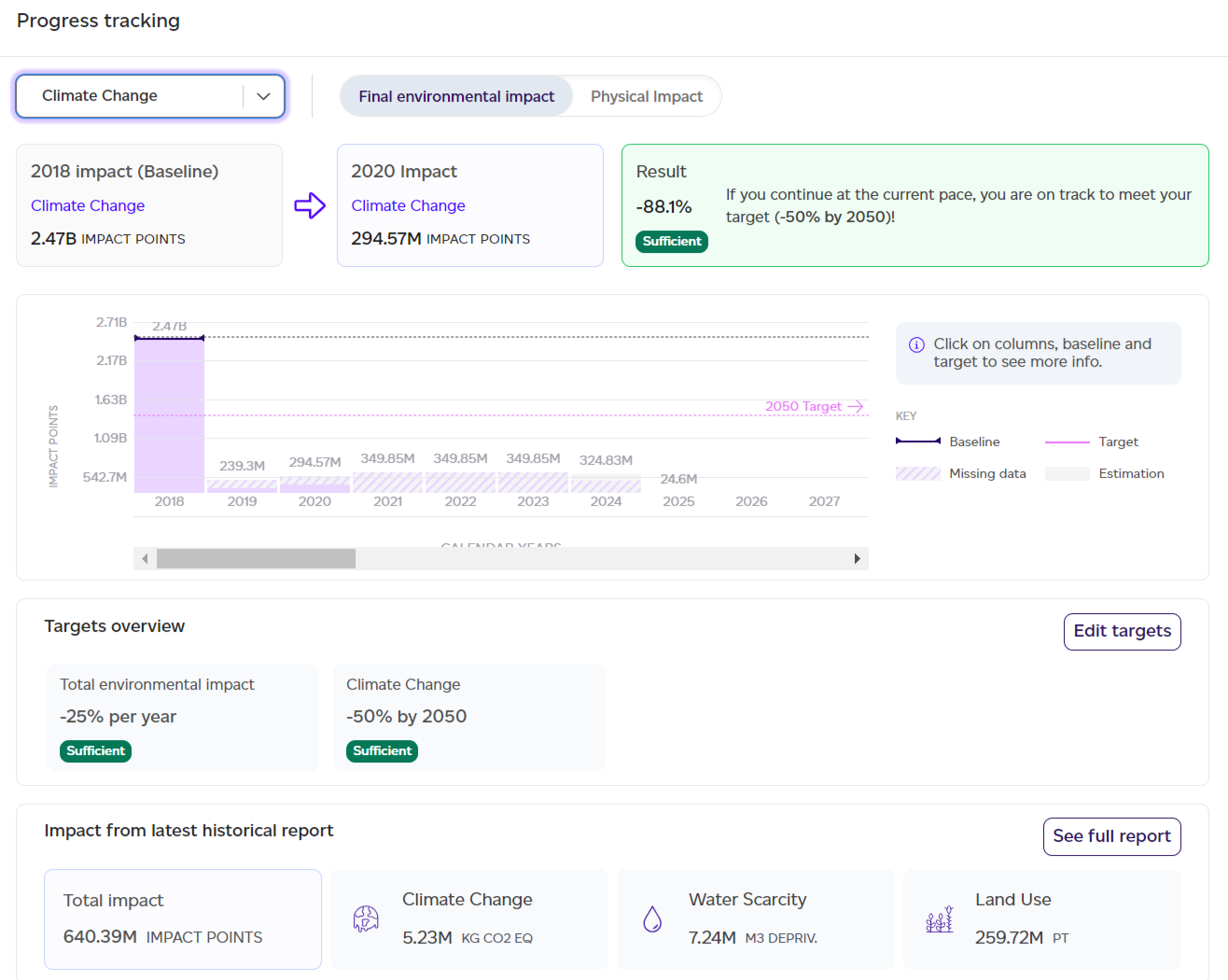
This tab will show you your progress over time and projected trajectory based on historical data, helping you assess whether you're on track to meet your targets given the current pace.