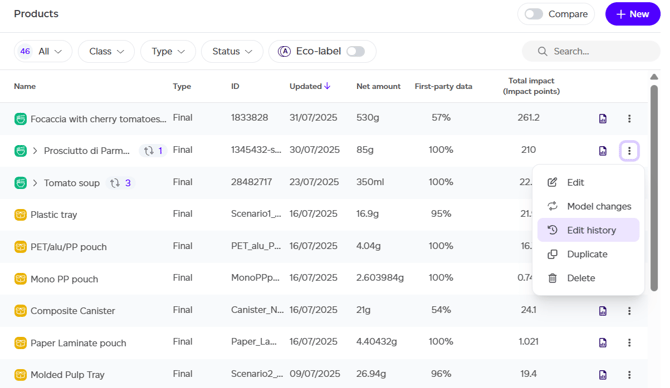
To access previous product versions, navigate to your Products tab and select the three-dot menu next to your desired product, then choose the 'Edit history' option.
This action opens a popup displaying the complete edit history from initial creation through the current version. Each entry includes a timestamp and identifies which user made the modification.
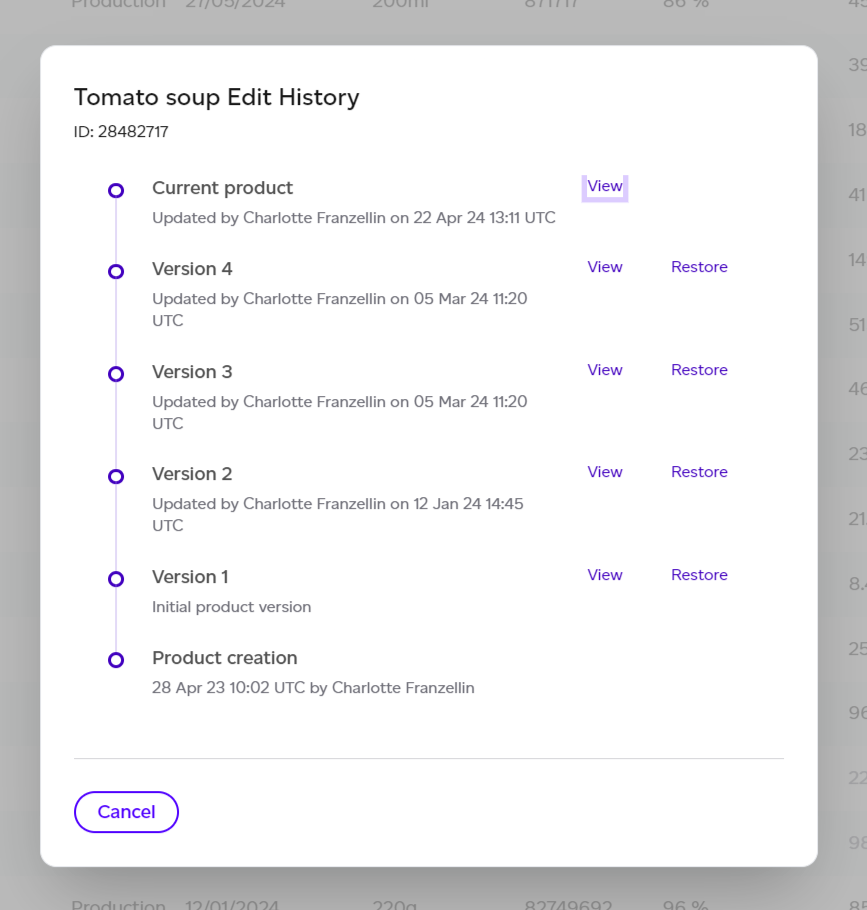
From the edit history list, you have two options for any revision:
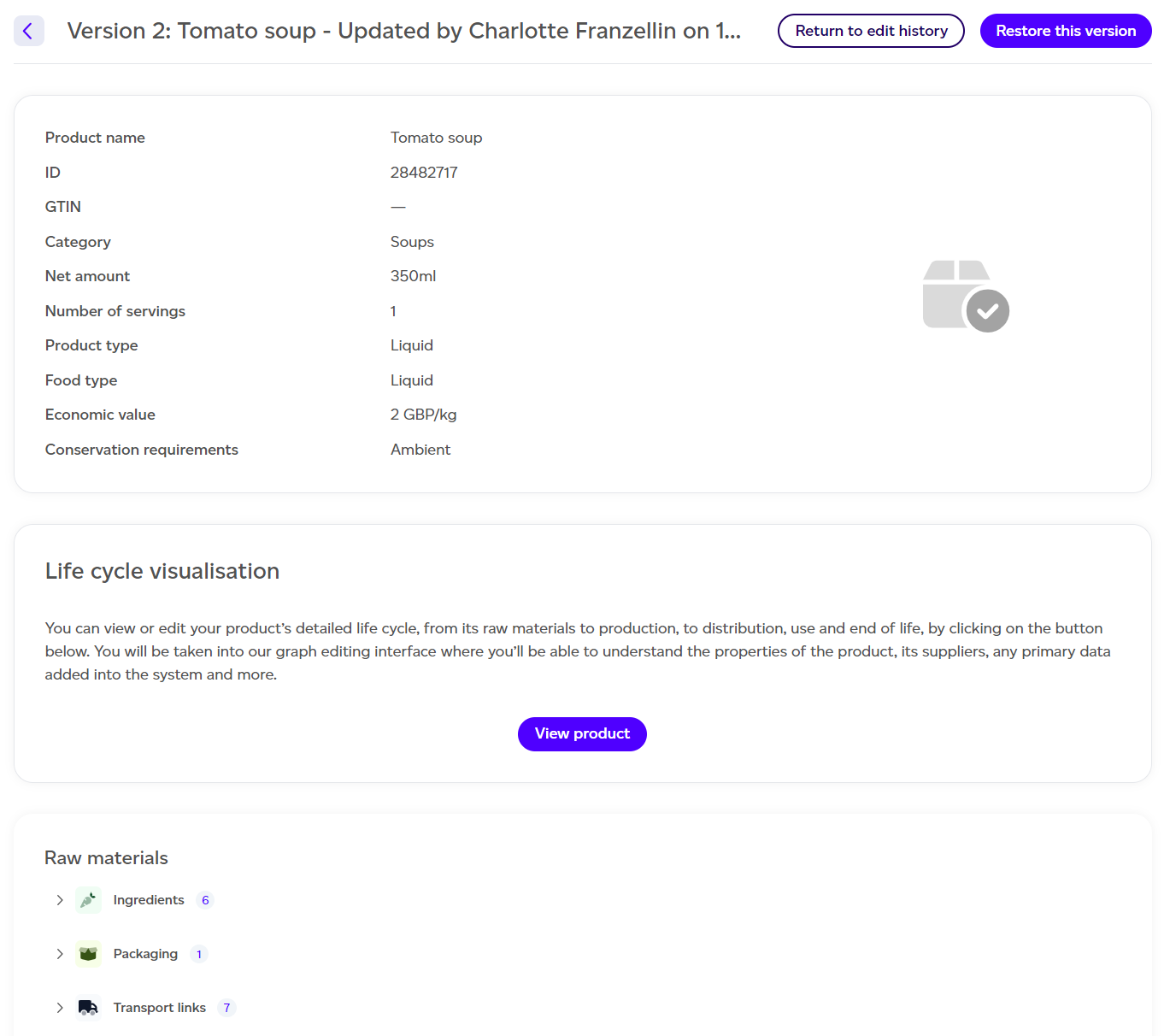
- View — Opens a preview showing that product revision with all lifecycle elements.
- Restore — Creates a new version by copying the selected earlier revision.
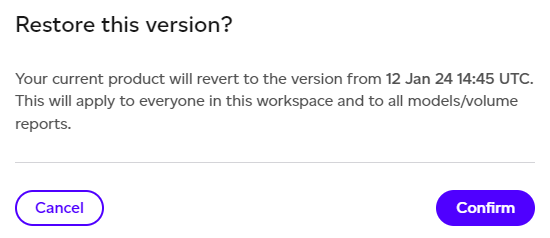
When you restore an earlier version, the system adds a new entry to the product's history as a copy of the chosen revision, rather than replacing the current version.