To begin, navigate to the Products tab > New Product and select Import File if you have a product specification document to use as a starting point.
This feature leverages AI to extract information from documents like product specifications, ingredient lists, or related files. Follow these steps:
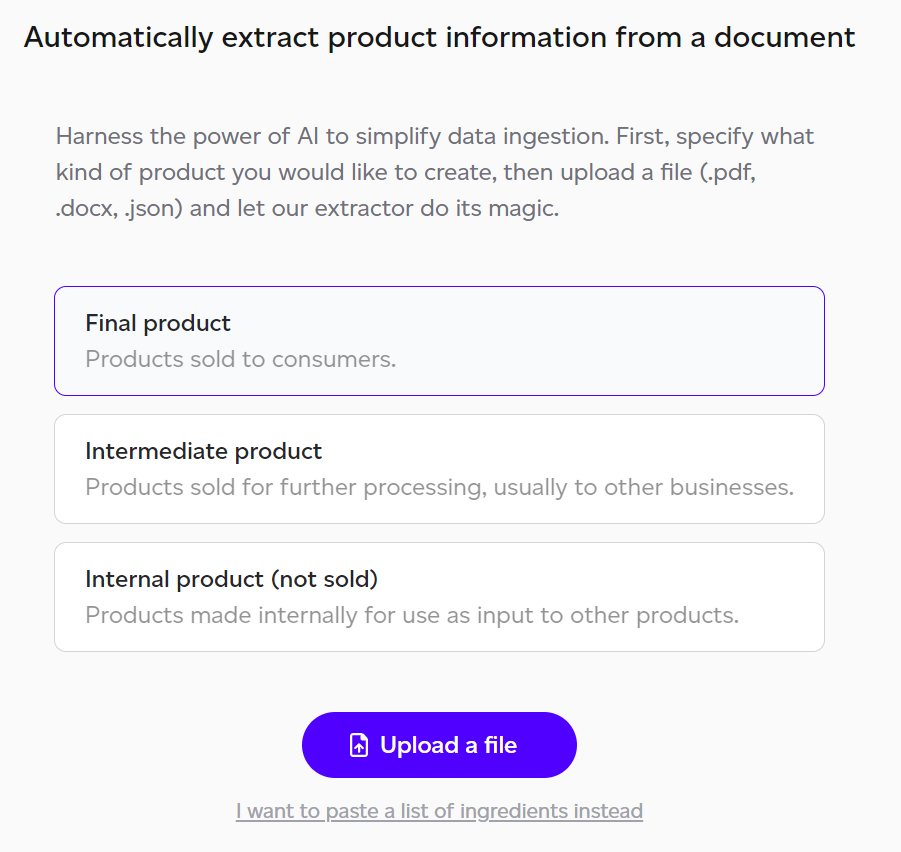
- Choose the Product Type: Indicate whether you're creating a final, intermediate, or internal product.
- Upload a File: Select a file in .pdf, .docx, or .json format to upload.
- Paste Ingredients: You may alternatively paste an ingredients list directly by selecting 'I want to paste a list of ingredients.'
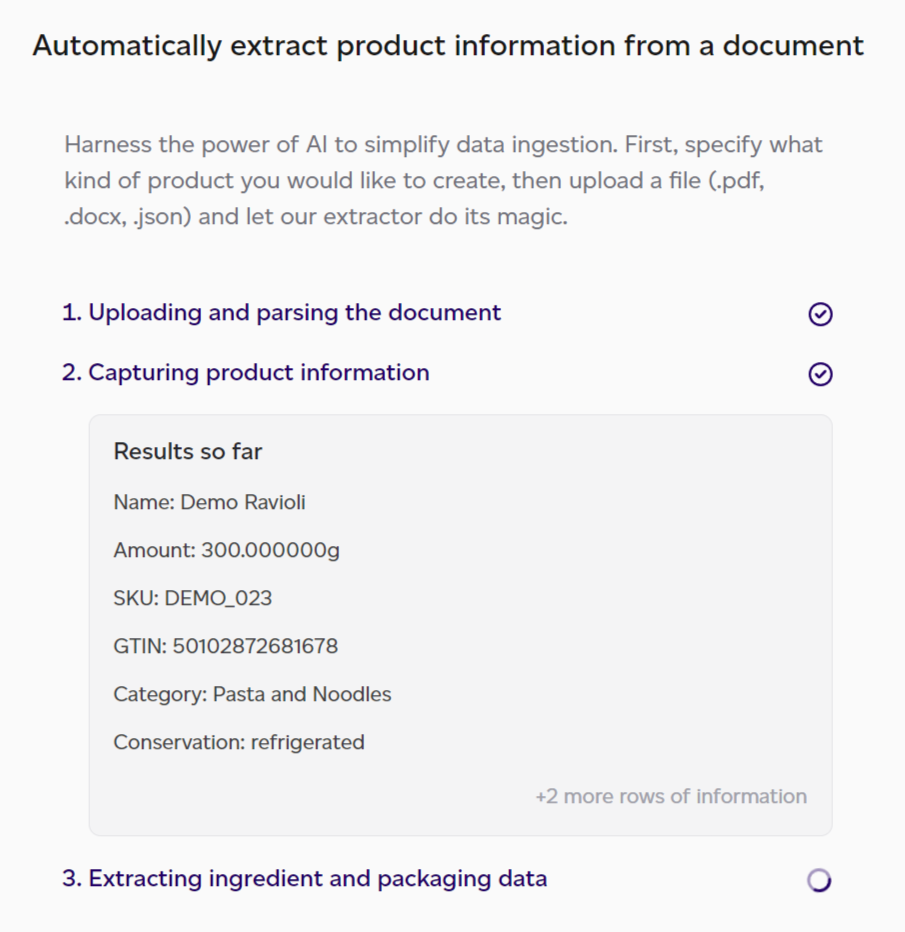
Once uploaded, the AI engine processes the document through multiple iterations to ensure accurate data matching, which may require some time.
After extraction completes, a mapping screen displays for reviewing and confirming data accuracy, with options to fill any gaps.
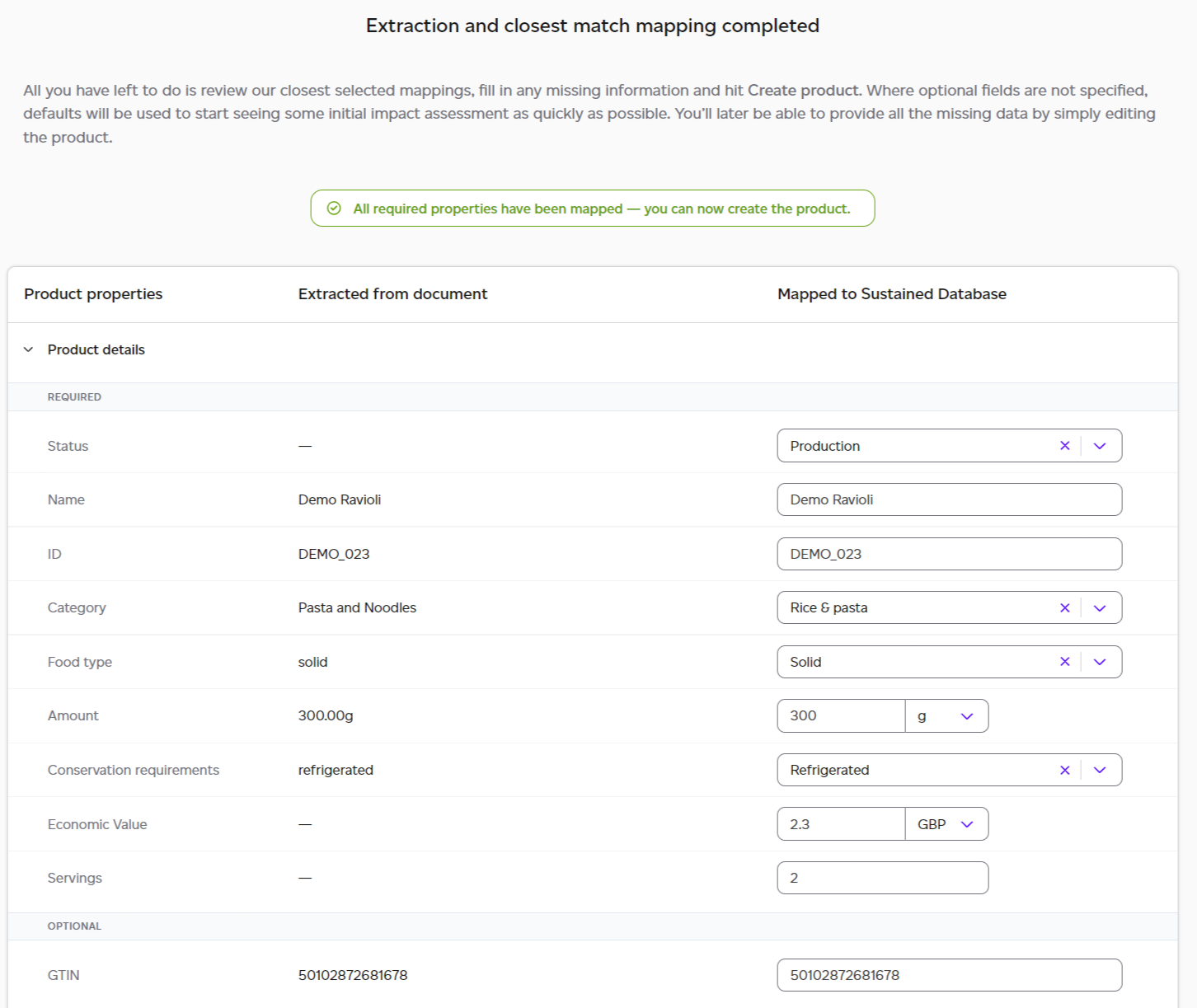
The AI extracts the essential required information for product creation, encompassing:
- Generic product information: name, ID, category, conservation details, etc.
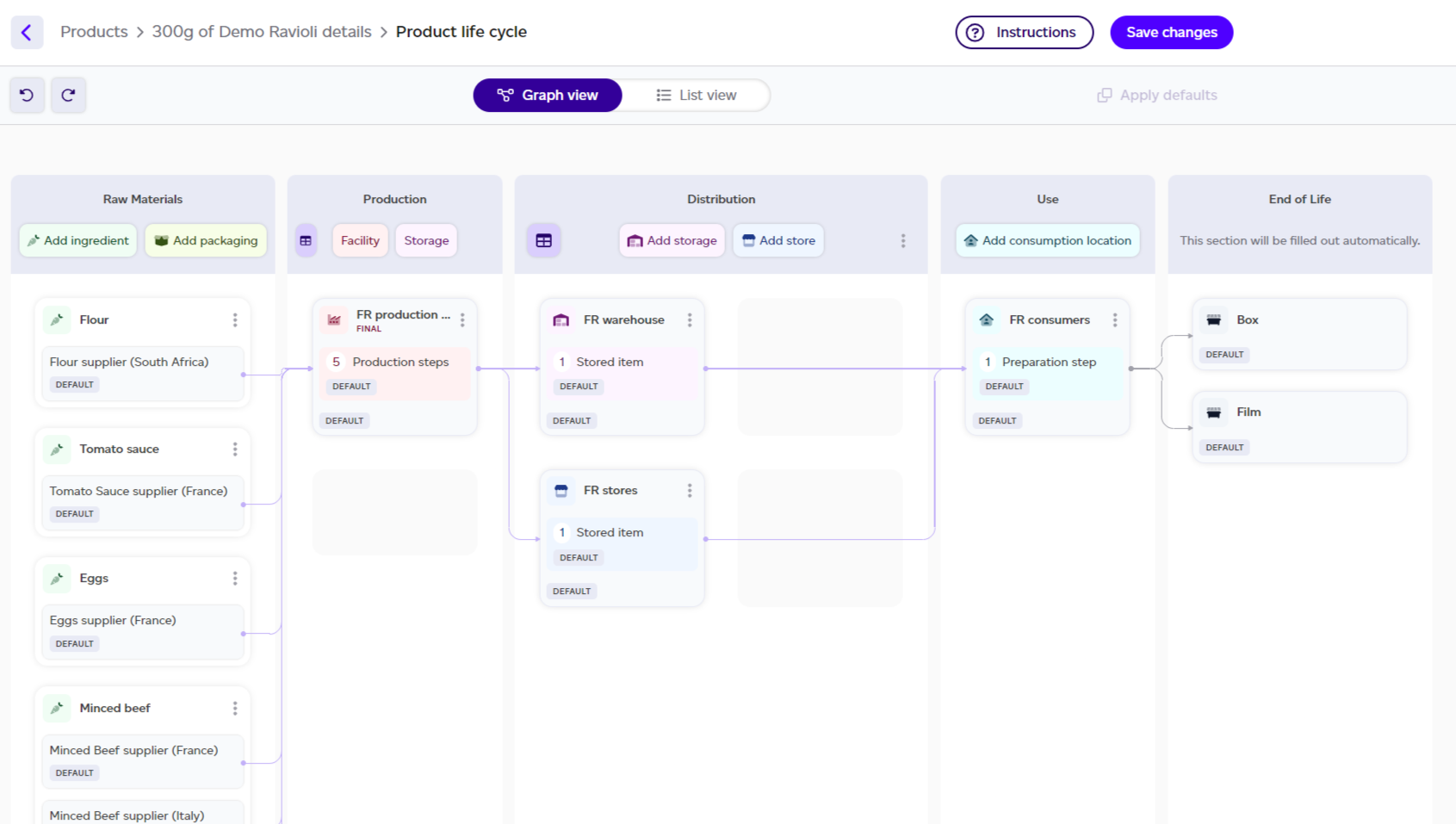
- Ingredients: amounts and country of origin.
- Packaging types: amounts and country of origin.
- Facility countries: production, storage, and consumption location.
Following validation, you're directed to the product graph where default data can be replaced with actual lifecycle details.