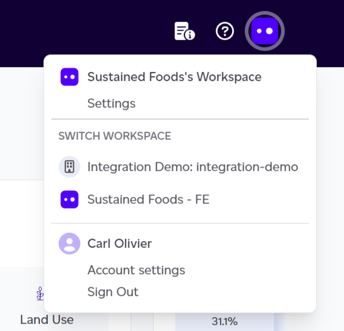
To switch between workspaces, click on your company's icon in the top right corner. This will open a modal displaying the active workspace at the top and a list of other workspaces you can switch to. Simply click on any of the other workspaces, and the page will reload, taking you to the selected workspace.
The elements within the Manage tab are shared across all workspaces within your company. However, the dashboard, products, and volume features are specific to each individual workspace.